

20+ activity types
Phone, email, SMS, WhatsApp, meetings, viewings, site visits, inspections, handovers, negotiations, document reviews, tasks, reminders, notes, and service items.
Real estate activity tracking software that records the operating history of every relationship in IRM365. Log calls, meetings, emails, WhatsApp/SMS, visits, notes, tasks, and reminders across leads, opportunities, customers, contracts, and MOUs — then close, reschedule, or measure the work from one activity workspace.
A quick map before the detailed product proof. Jump to the area that matters most.
Upcoming, overdue, today, completed, and cancelled activities stay searchable and filterable by type, outcome, priority, owner, date range, and ACT reference — so managers see the work before asking for updates.
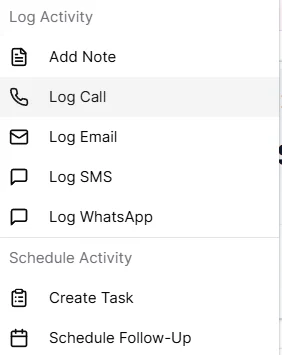
Record a past activity from any supported record. IRM365 captures the type, subject, notes, priority, attendees, attachments, author, and timestamp — then updates the parent record's last-activity signal so stale-record reports stay accurate.
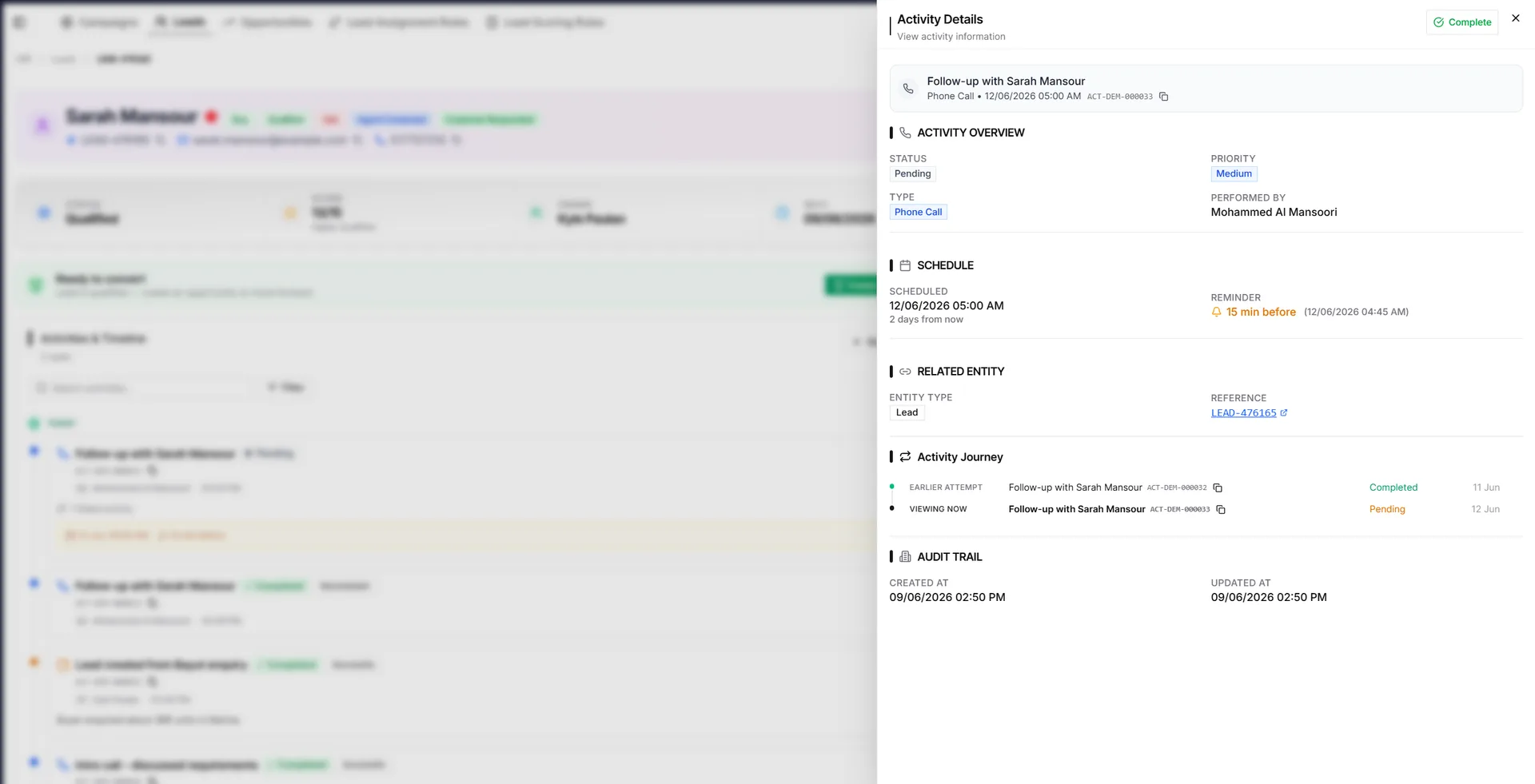
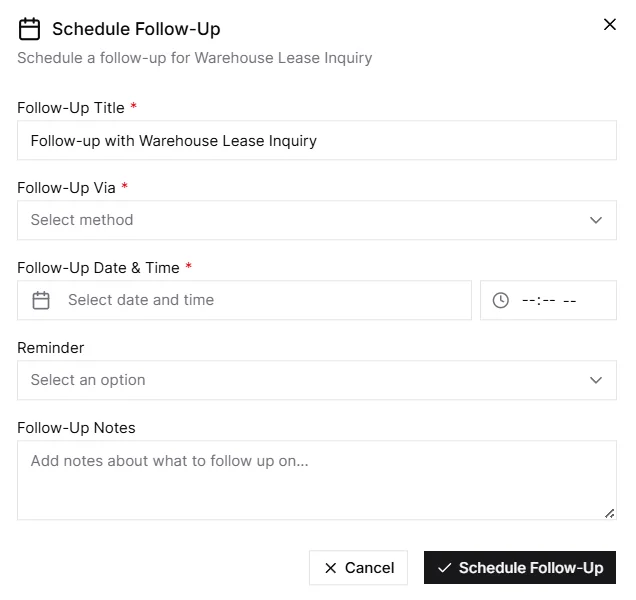
Schedule future work with date, time, priority, reminder, and owner. Open activities appear in Upcoming and Today, overdue items are flagged, and reminders can surface through the in-app notification bell and opt-in browser or PWA push even when the app is closed.
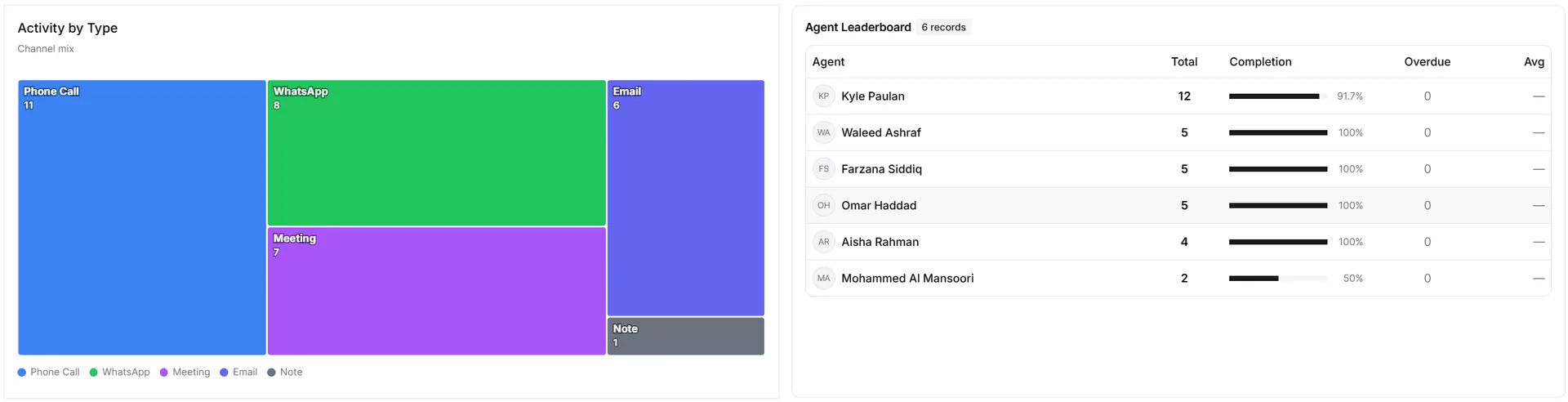
Every logged and scheduled activity becomes management insight: response discipline, overdue work, completion outcomes, agent activity tracking, and team follow-up quality across the hierarchy your managers actually use.
A full audit-friendly work log — not just a reminder list.
Phone, email, SMS, WhatsApp, meetings, viewings, site visits, inspections, handovers, negotiations, document reviews, tasks, reminders, notes, and service items.
Every activity gets a human-readable ACT-ID that appears in lists, timelines, details, and search.
Future activities feed Upcoming and Today counts, then become Overdue automatically if missed.
Postponed activities create linked follow-ups, preserving the history instead of overwriting it.
Inspection reports, notes, handover files, and supporting documents stay attached to the activity record.
Users see activities for records they can access; managers get the team view and audit-friendly history.
Received WhatsApp, SMS, and email activities link to the outbound message they answer when the record and channel match within 30 days.
Review rough call, WhatsApp, meeting, and viewing notes for missing decisions or next steps before saving; suggestions never replace the original automatically.
IRM365 modules are connected. Explore the next capabilities that usually sit beside this feature in a real brokerage workflow.
Join UAE real estate teams who run their entire business — leads, deals, contracts, and finance — from one platform. No annual contract.