

Kanban + table views
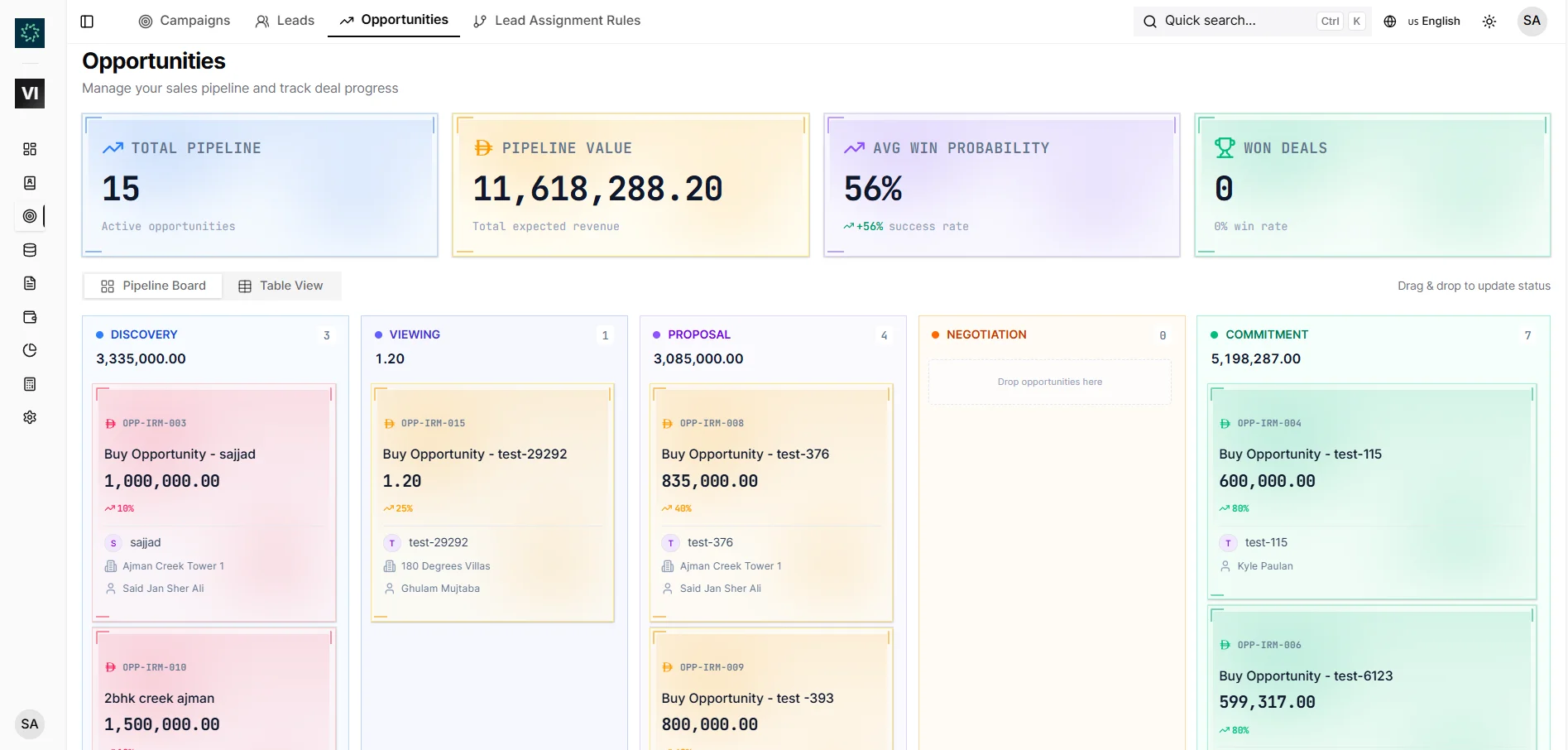
Work opportunities by stage on a Kanban board, or switch to table view for list-style management.
Real estate deal pipeline software where an opportunity is a qualified lead working a specific unit. Track one deal per Lead × Unit through Discovery, Viewing, Proposal, Negotiation, Commitment, Won, Lost, or Cancelled — with activities, sales offers, stage history, weighted value, and dashboards connected.
A quick map before the detailed product proof. Jump to the area that matters most.
Turn qualified leads into unit-specific deals
Manage Discovery to Commitment without losing context
Create sales offers directly from the deal record
Read pipeline health from stage movement and weighted value
Load large pipelines without losing true stage totals
The opportunity index gives teams a Kanban view, table fallback, filters, stat cards, and weighted pipeline value so managers review real deal movement instead of rebuilding a spreadsheet every week.
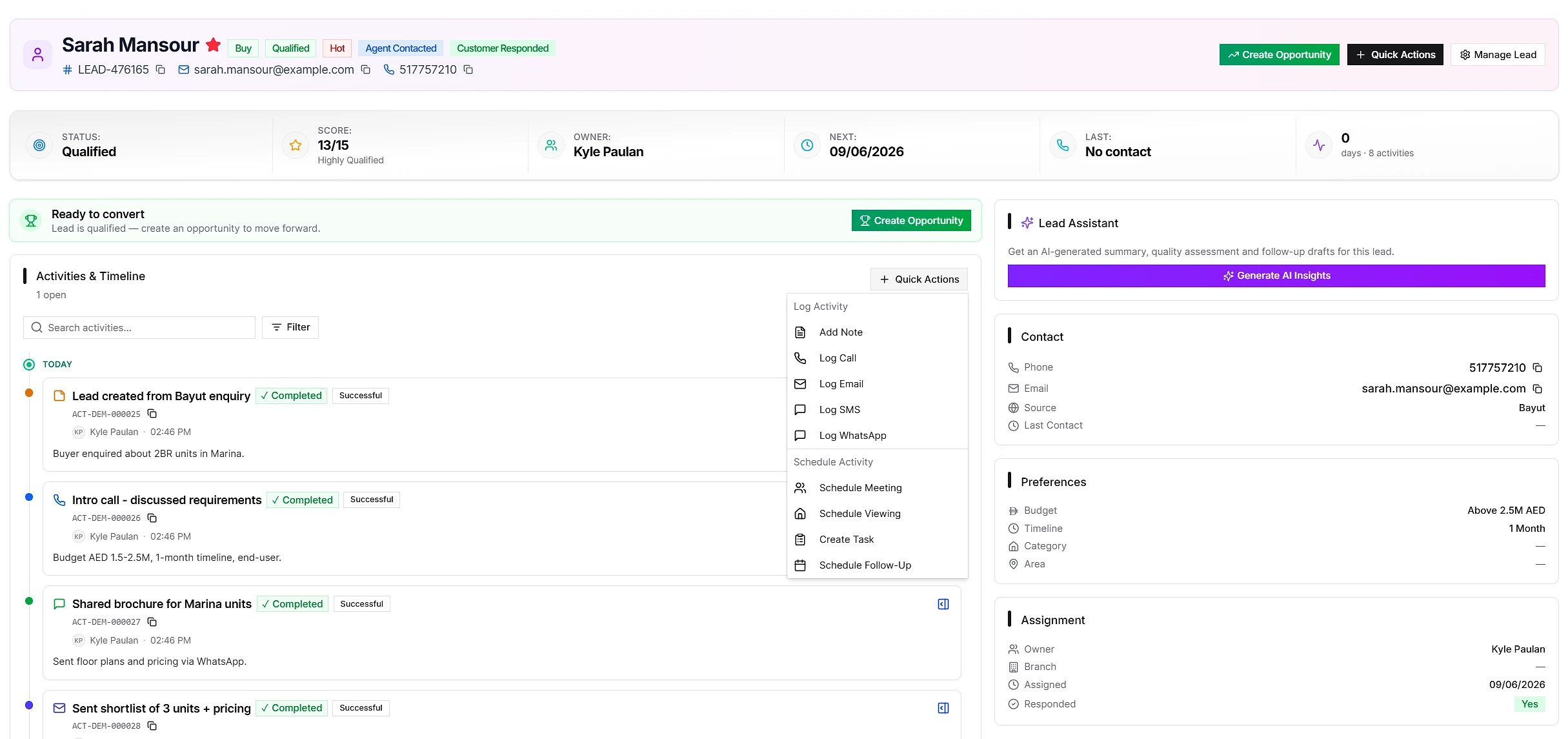
Opportunities start when a qualified lead is seriously considering a specific unit. Create from the lead detail page so preferences and contact context carry forward, then attach the exact project, property, unit, indicative price, discount, branch, and assigned agent.
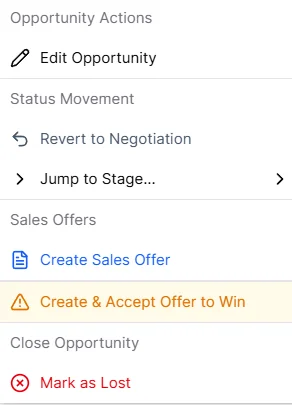
Move opportunities through Discovery, Viewing, Proposal, Negotiation, and Commitment using permitted actions. Every card and row carries a stage clock, with aging at 60+ days and stalled at 90+ days, while At Risk gathers deals that are overdue, stalled, or missing a next step.
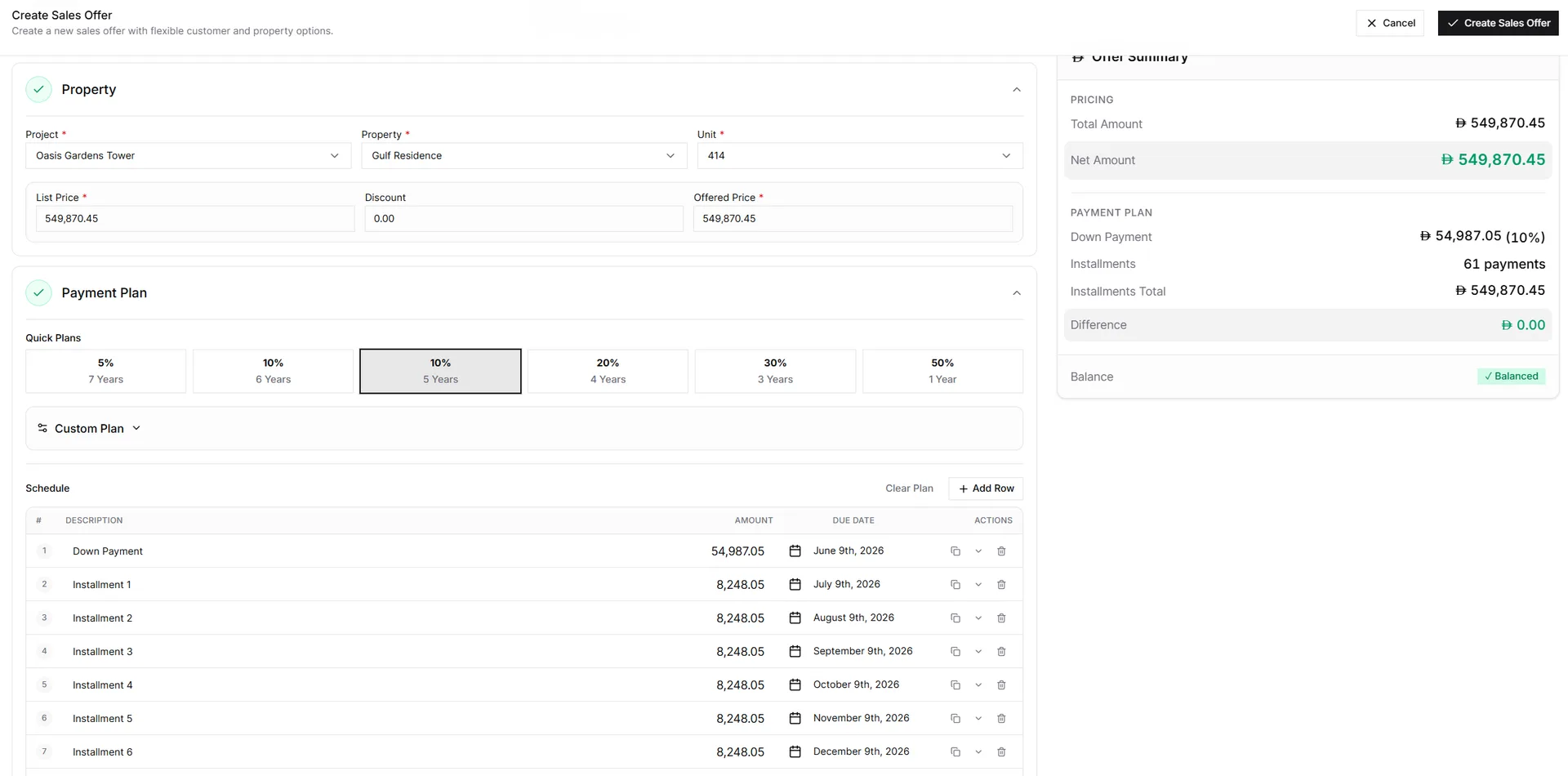
When the customer is ready for formal numbers, the sales offer must be created from the opportunity. The opportunity links the lead, unit, customer context, activities, and offers together so accepted offers can move into the MOU workflow without losing deal history.
The operational strip shows active pipeline, weighted forecast, closing this month, at-risk, and won as compact figures that filter the workspace when selected. Quick presets keep Active, Closing Soon, At Risk, Won, Lost, and Cancelled deals one click away.
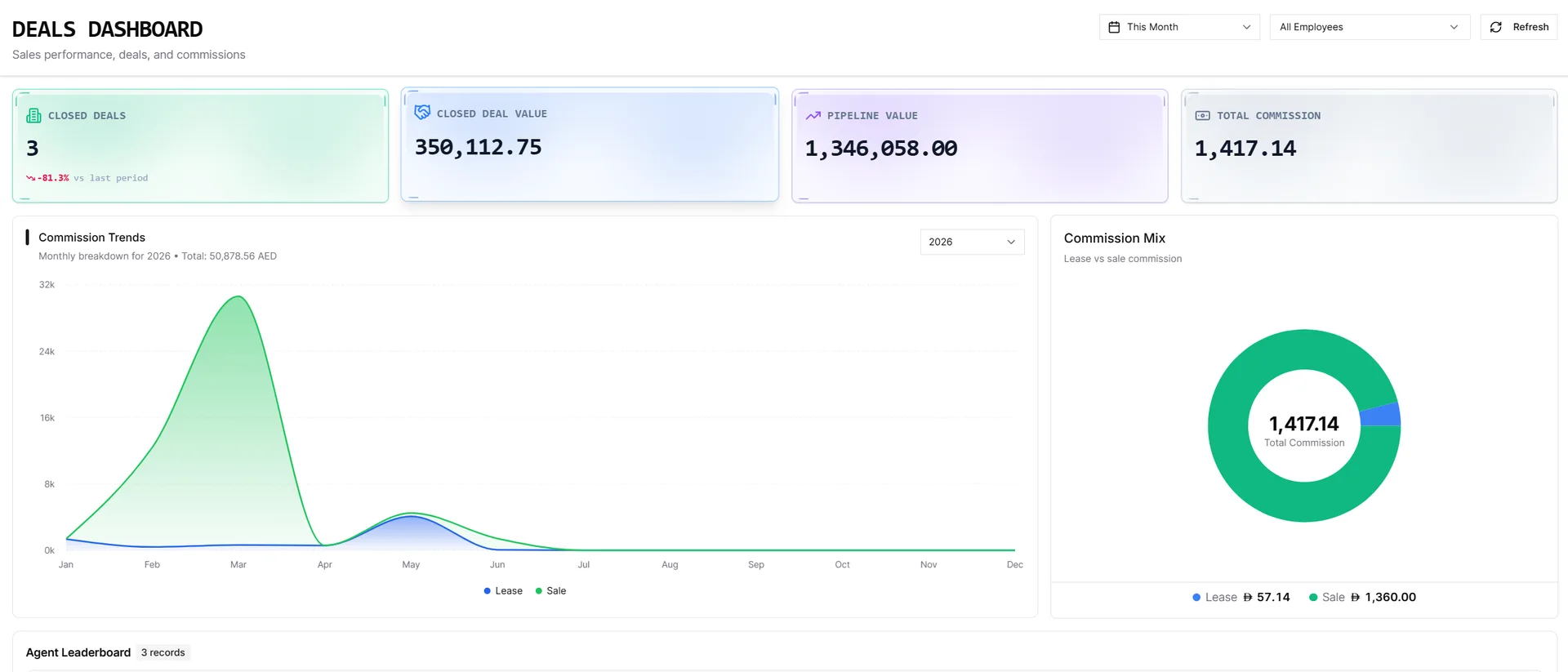
Each Kanban stage loads a manageable page of cards and offers Load more when needed. The column header still shows the full stage count and value, not only the cards currently loaded, and a moved deal lands immediately at the top of its new column.
The bridge from qualified lead to sales offer, MOU, and closed deal — with deal context and forecastable value preserved.
Work opportunities by stage on a Kanban board, or switch to table view for list-style management.
Each opportunity ties a qualified lead to a project, property, unit, indicative price, discount, branch, and agent.
Create sales offers directly from opportunities when the customer is ready for formal numbers.
Calls, viewings, notes, status changes, sales offers, analytics, and audit history stay on the opportunity record.
Clickable metrics cover active pipeline, weighted forecast, closing this month, at-risk deals, and won value.
Filter by branch, assigned agent, project, property, status, lost reason, date range, and scope.
IRM365 modules are connected. Explore the next capabilities that usually sit beside this feature in a real brokerage workflow.
Join UAE real estate teams who run their entire business — leads, deals, contracts, and finance — from one platform. No annual contract.