

Plan Real Estate Follow-Ups With an Activity Calendar
A practical system for planning real estate calls, meetings, viewings, and overdue follow-ups across agents without relying on personal calendars.
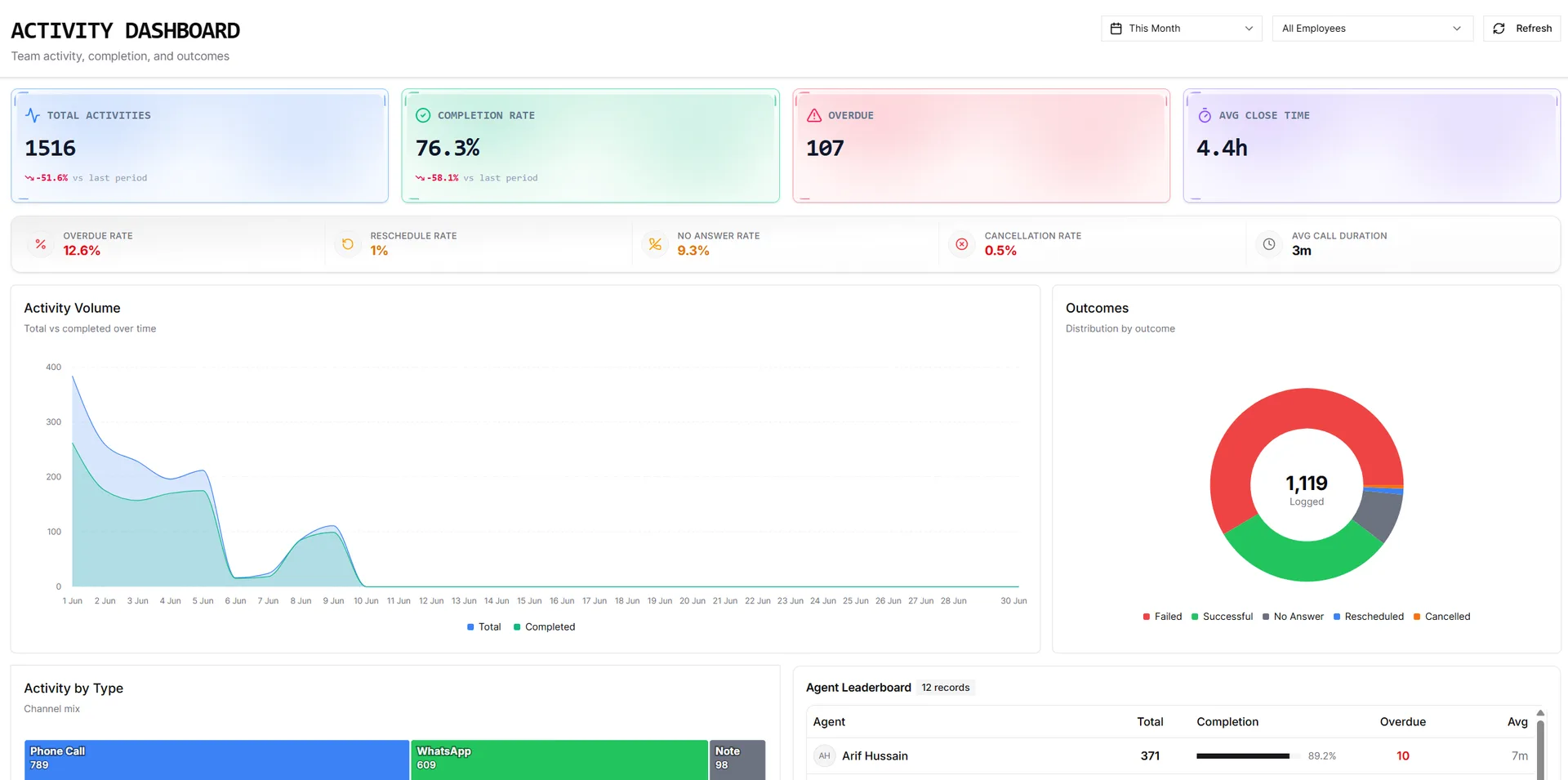
A real estate agent’s day is rarely predictable. A morning starts with calls, gains two viewings by lunch, and ends with a buyer asking for a payment plan before tomorrow. Personal calendars can hold appointments, but they usually cannot answer the operational questions a brokerage needs answered:
- Which lead or deal is this appointment connected to?
- Who owns the next action?
- Which follow-ups are already overdue?
- Did the viewing happen, or is it still sitting on the calendar?
- Is another agent already meeting the same client at that time?
That is why a real estate team needs more than a collection of individual calendars. It needs an activity calendar connected to the CRM records the team is already working.
A calendar and an activity list solve different problems
An activity list is best for searching, filtering, and reviewing work by status or owner. A calendar is best for understanding time.
The list answers: What work is open?
The calendar answers: When will that work happen, and what else is competing for the same time?
The strongest workflow uses both. Agents log and complete work in activity tracking, then use the calendar to organize scheduled calls, meetings, property viewings, site visits, and due tasks.
Use each calendar view for a specific decision
One view cannot serve every planning need. Month, Week, Day, and Agenda views each answer a different question.
Month: where is the pressure building?
Month view is useful for spotting busy periods, handover weeks, campaign launches, and clusters of viewings. It is not the place to manage every hour. It is the place to see whether the team is overloading certain dates while leaving others underused.
Week: what does the working horizon look like?
Week view is the normal operating view for most agents and managers. It shows enough detail to plan each day while keeping the rest of the week visible.
A manager can use it to check whether one agent is overloaded with viewings while another has space, or whether a lead has been promised a follow-up that clashes with an existing meeting.
Day: what happens next?
Day view helps an agent execute. Calls, meetings, and viewings sit in time order, making gaps and conflicts obvious. It is especially useful on days with several appointments in different locations.
Agenda: what is coming up on a phone?
Agenda view turns the schedule into a chronological list grouped by date. That makes it easier to scan on a mobile screen where a full time grid would be cramped.
Keep the calendar connected to the client record
A standalone calendar entry titled “Viewing” is not enough. The event needs to carry the linked lead, customer, or opportunity so the agent can open the full context before the appointment.
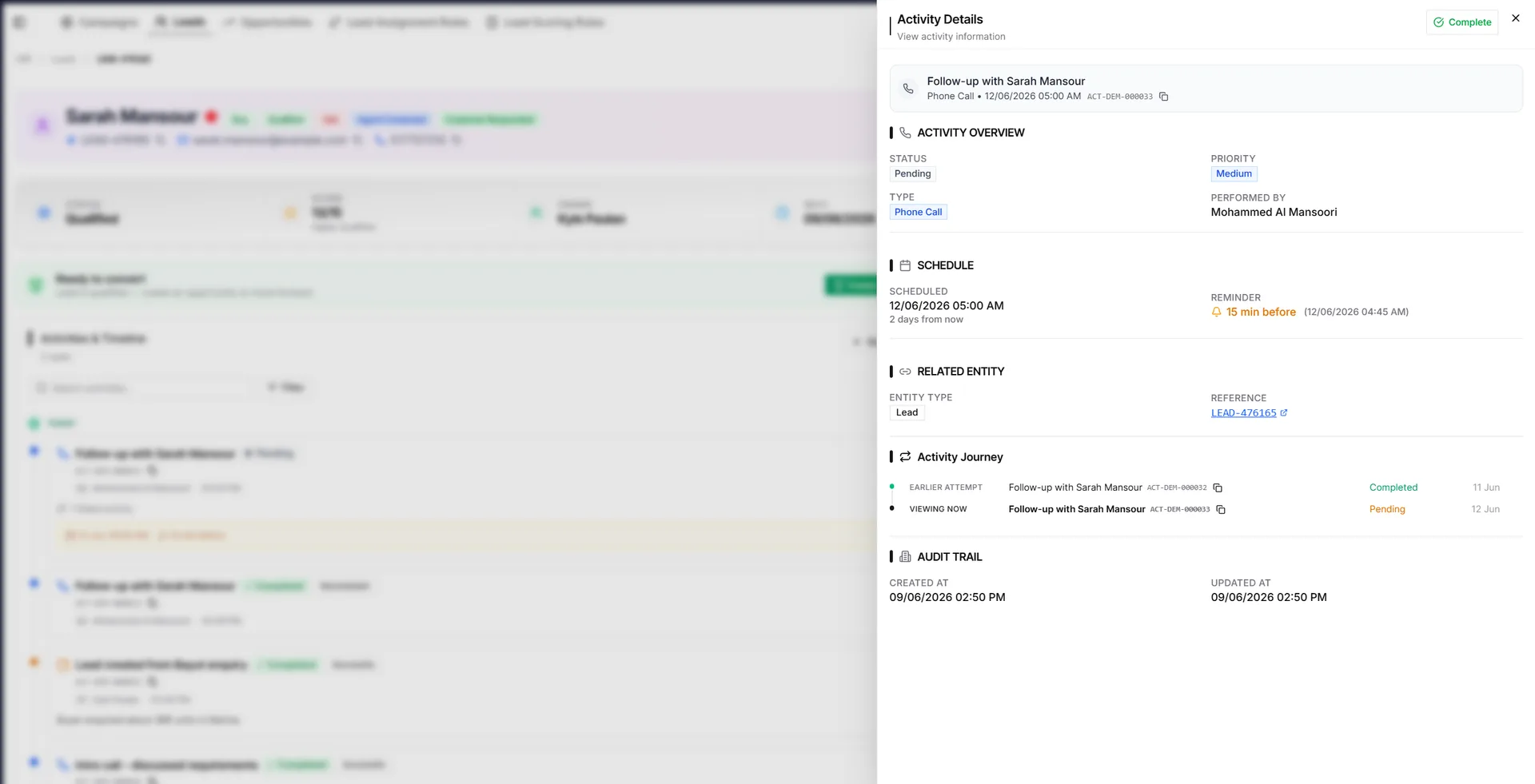
When an event opens the same activity detail used elsewhere in the CRM, the agent can review notes, mark the work complete, record the correct outcome, or reschedule it without creating a second disconnected record.
That continuity matters because the completed activity should update the relationship history—not merely disappear from a personal calendar.
Make overdue work impossible to hide
Overdue follow-ups often remain on their original date. That is historically accurate, but it creates a visibility problem: once the team moves to a new week, missed work can disappear behind them.
A persistent overdue review bar solves that problem. It should gather overdue activities regardless of the date currently open and provide a direct route back to each activity.
This gives managers a simple daily control:
- Review overdue work before adding more appointments.
- Open each missed activity.
- Complete it with the real outcome or reschedule it.
- Confirm that every active lead still has a next action.
The goal is not to make a past week look clean. It is to make sure every missed commitment receives a decision.
Filter the calendar without losing team visibility
Agents normally need their own schedule. Managers need the ability to move between:
- the whole team
- their own activities
- one team member
- a specific activity type
- open work versus completed history
These filters should follow the same hierarchy rules as the rest of the CRM. An agent should not gain access to another agent’s records merely because both activities appear on a calendar.
For a real estate agency, this creates a practical management view without turning the calendar into a surveillance tool. Managers see the work they are responsible for; agents keep a focused personal schedule.
Use scheduling nudges instead of hard blocks
Calendar conflicts are not always mistakes. A manager may intentionally schedule two tasks close together, or an agent may need to call an overseas client outside normal working hours.
For that reason, good scheduling software should warn rather than block.
IRM365 shows an advisory when a call, meeting, or viewing overlaps nearby calendar work or falls outside the standard 9:00 AM–9:00 PM window. The user sees the issue and can adjust the time, but can still save when the timing is intentional.
This is a better operational balance than either extreme:
- no warning, which allows accidental double-booking
- a hard block, which ignores real-world exceptions
Keep one timezone as the source of truth
Real estate teams often work with overseas buyers, remote staff, and devices configured in different regions. Calendar times should therefore follow the user’s profile timezone rather than whatever timezone happens to be set on the device.
That keeps an 11:00 AM Dubai viewing consistent when the same record is opened from a laptop configured elsewhere.
A practical daily rhythm
A calendar only improves follow-up discipline when the team uses it consistently. A simple routine is enough:
Start of day
- open Week or Agenda view
- review the overdue bar
- confirm today’s calls and viewings
- move or reassign obvious conflicts
After every interaction
- record the channel-specific outcome
- add useful notes
- schedule the next action before leaving the record
End of day
- clear or reschedule missed work
- check that active leads have a next step
- review tomorrow’s appointments and travel requirements
This routine connects the calendar to lead management rather than treating scheduling as a separate administrative task.
The bottom line
A real estate activity calendar should do more than display appointments. It should connect time to the lead, deal, owner, outcome, and next action.
IRM365 brings Month, Week, Day, and Agenda planning into the same workflow as activities, overdue review, completion, rescheduling, and team visibility. The result is a calendar that helps agents plan the day and helps managers protect the follow-up process.
The IRM365 team at VoxaSoft builds real estate CRM software for UAE agencies, brokerages, and property developers. We write about lead management, sales pipelines, finance, and UAE property operations from the workflows we ship into the product every release.
More about IRM365 →Want this workflow inside your agency?
See how IRM365 handles lead capture, activities, agreements, lease operations, finance, and reporting in one workspace.